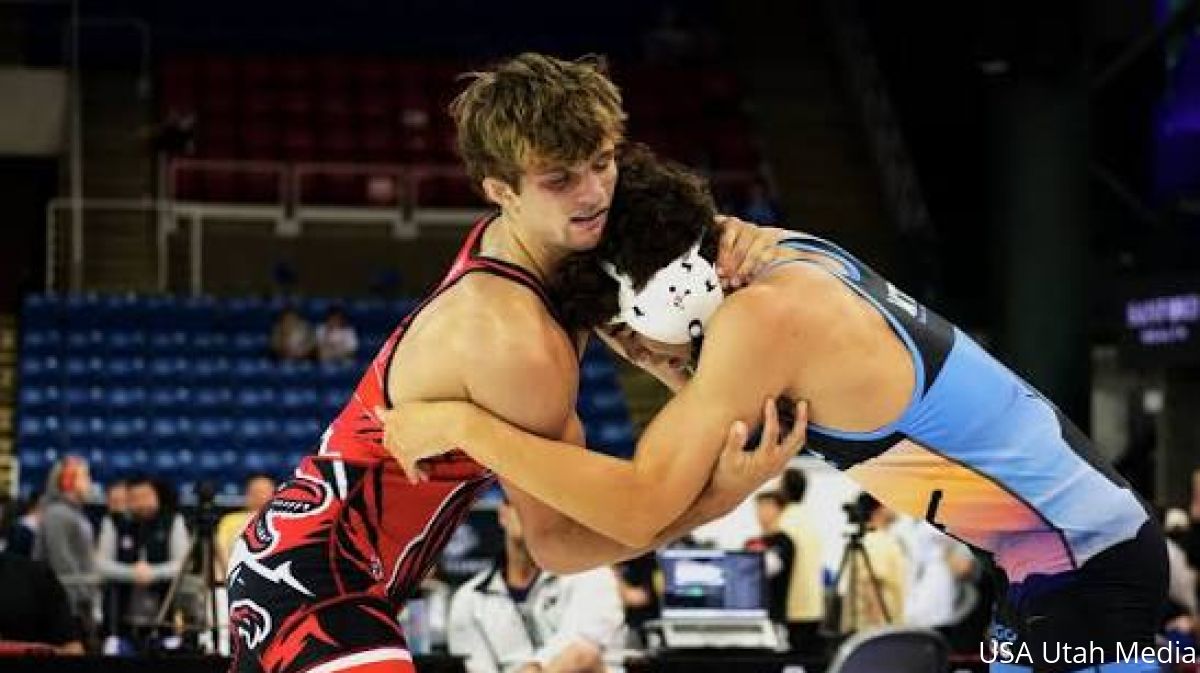
FloWrestling has another full week of wrestling ahead, with international competition, live shows and preseason tournaments streaming from Oct. 5-11.
FRL 1,267 Recap: NCAA Schedule Breakdown, U23 World Team & More
57 kg Preview & Predictions - 2026 Senior World Wrestling Championships
All The Nationally Ranked Wrestlers Headed To The 2026 Journeymen Fall Classic!
The 2026 Veterans World Championships headline the week with six days of international wrestling beginning Tuesday, while FloWrestling Radio Live returns Monday and Thursday. The weekend brings even more action with the I-64 Fall Classic, Fall Brawl KC and Utah Preseason Open.
Here's everything streaming on FloWrestling this week.
This Week On FloWrestling: Oct. 5 - Oct. 11, 2026
Monday, Oct. 5
Tuesday, Oct. 6
Thursday, Oct. 8
Saturday, Oct. 10
Stay Connected However You Prefer
FloWrestling offers multiple ways to receive notifications, including app push notifications, email and SMS text messages.
SMS text notifications require an active FloWrestling subscription. Subscribers can receive important updates directly to their phones, including ranking changes, breaking news and event updates.
Push notifications and email are also available to registered users.
How To Set Up Notifications On Mobile
Open the FloSports mobile app on your iOS or Android device.
Tap the three lines at the bottom of the screen to open the sport selector.
Select Wrestling.
Tap Schedule.
Find or search for the event you want to follow.
Open the Event Hub.
Tap MyWrestlers.
Tap + Add Wrestlers.
Select a school or search for an individual athlete.
Select the wrestlers you want to follow and tap Save.
Use the available color options to highlight your wrestlers in the bracket.
Tap the bell icon next to a wrestler.
Choose Follow on Bracket and/or Get Alerts.
Under Get Alerts, select the notifications you want to receive.
Choose your preferred delivery method.
Save your notification preferences.
A filled blue bell indicates that notifications are enabled.
How To Set Up Notifications On Desktop
You can also manage your notifications from FloWrestling.com.
Go to FloWrestling and select Schedule.
Find or search for the event you want to follow.
Open the Event Hub.
Select Teams or MyWrestlers.
Add the wrestlers you want to follow.
Select the bell icon next to a wrestler.
Choose Follow on Bracket and/or Get Alerts.
Select your preferred notification types and delivery method.
Save your preferences.
MyWrestlers Makes Tournament Tracking Easier
Notifications are powered through MyWrestlers, a personalized event experience available within FloWrestling event hubs.
In addition to enabling alerts, MyWrestlers allows users to:
Follow multiple athletes at the same event
Highlight wrestlers within brackets
Quickly identify athlete progression through a tournament
Manage notification preferences for individual wrestlers
The feature is designed to simplify tournament days for parents, coaches and fans by keeping the most important information in one place.
New Live Activities Bring Updates To Your Lock Screen
As part of the NextGen Wrestling experience, FloWrestling is also introducing Live Activities, providing real-time event updates directly on supported mobile devices.
Users can see:
Upcoming matches
Live match status
Real-time scores
Quick access to scouting reports
The experience is designed to feel similar to live sports updates, helping users stay informed even when they aren't actively using the app.
Built To Help You Never Miss A Moment
Notifications are a key part of FloWrestling's mission to create the most complete wrestling experience available.
Combined with live streaming, athlete profiles, rankings, scouting reports, brackets and event tracking, notifications help ensure users stay connected to every match, every bracket and every milestone throughout the season.
With NextGen Wrestling, following the sport has never been easier.
Join the Conversation on Social
Follow us on Twitter @FloWrestling.
Follow us on Instagram @FloWrestling.
Like us on Facebook.